
Shaded uses FSRS‑based spaced repetition plus AI grading to generate sentence‑level exercises from the words you already know. It's free to use; an optional subscription unlocks "Scenario" role‑plays.
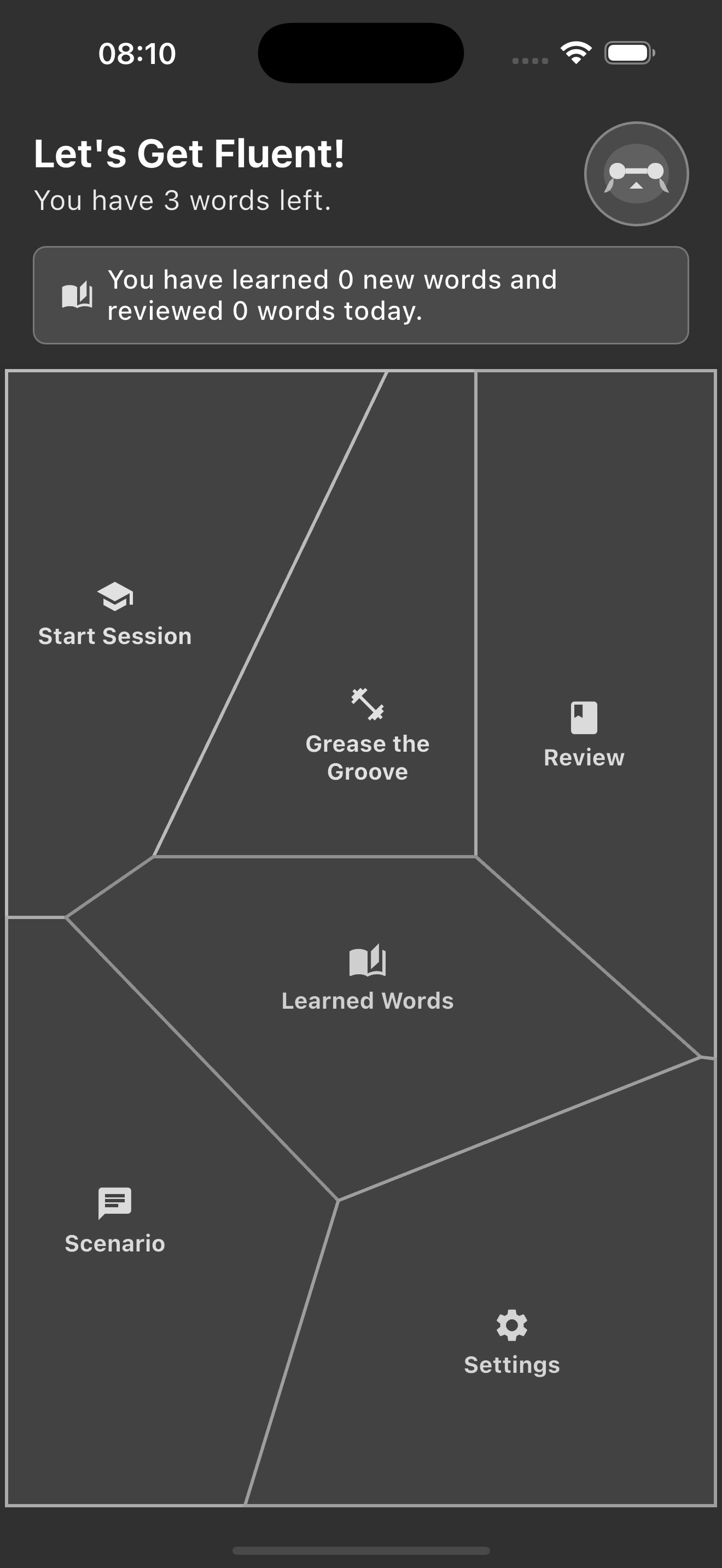
After first log in, tap "Start Session" to get going. The service will load beginner exercises in order to build up a vocabulary.
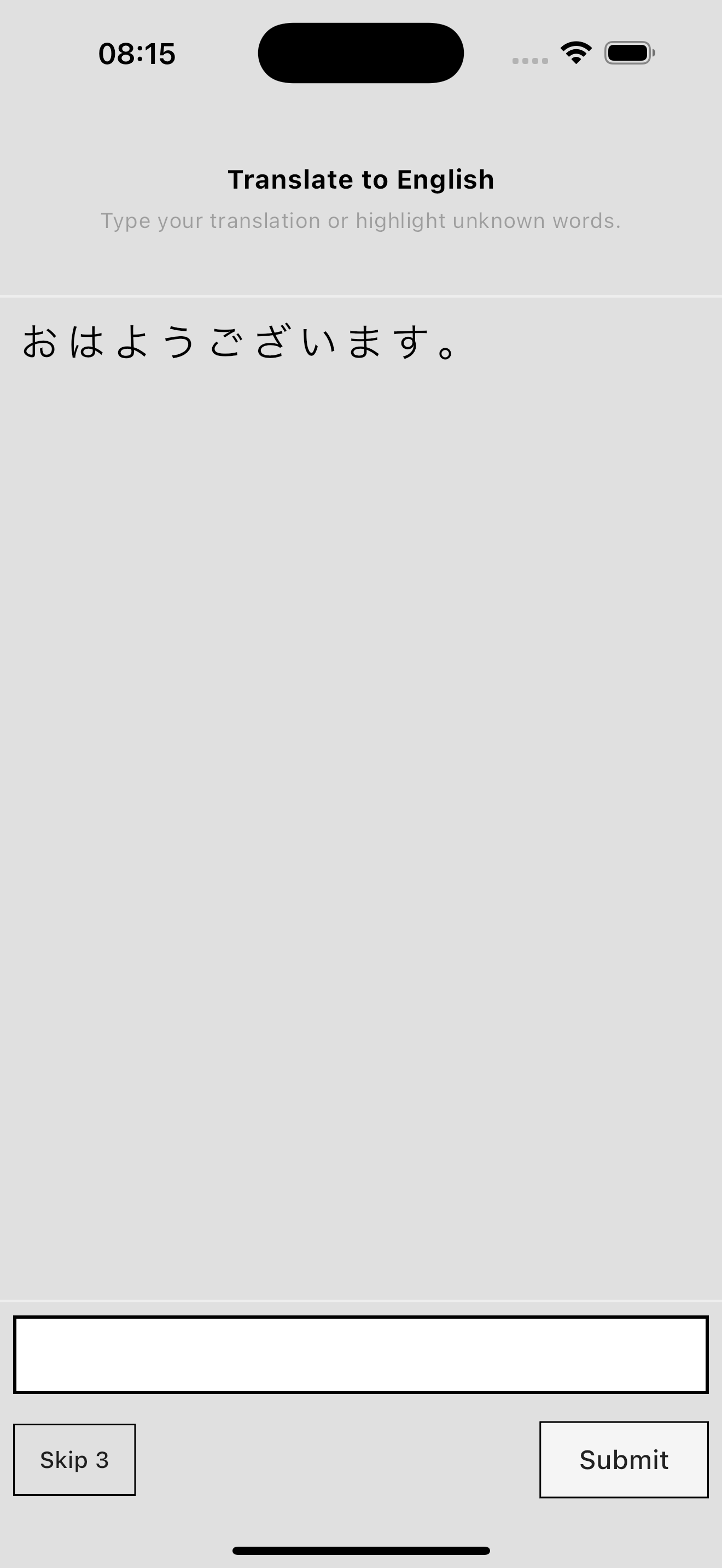
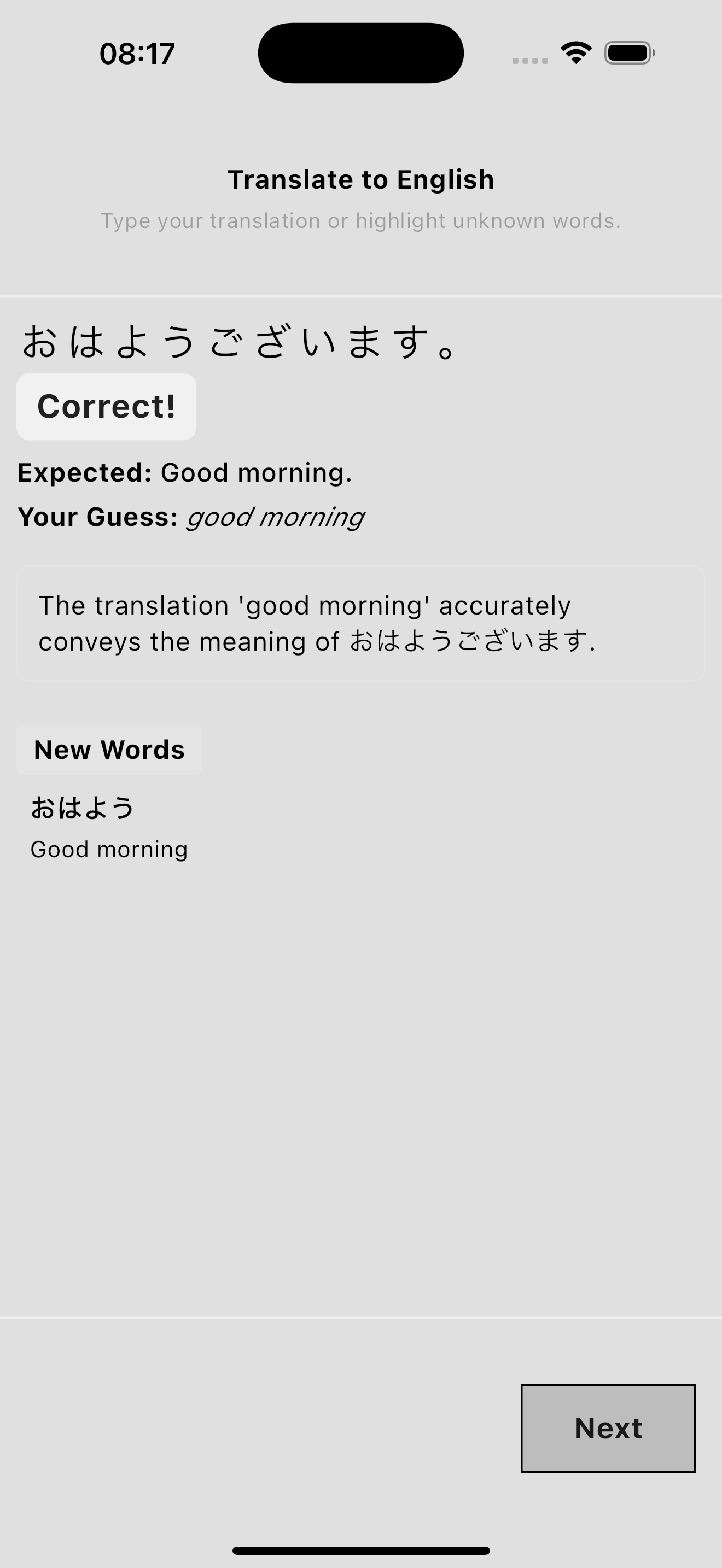
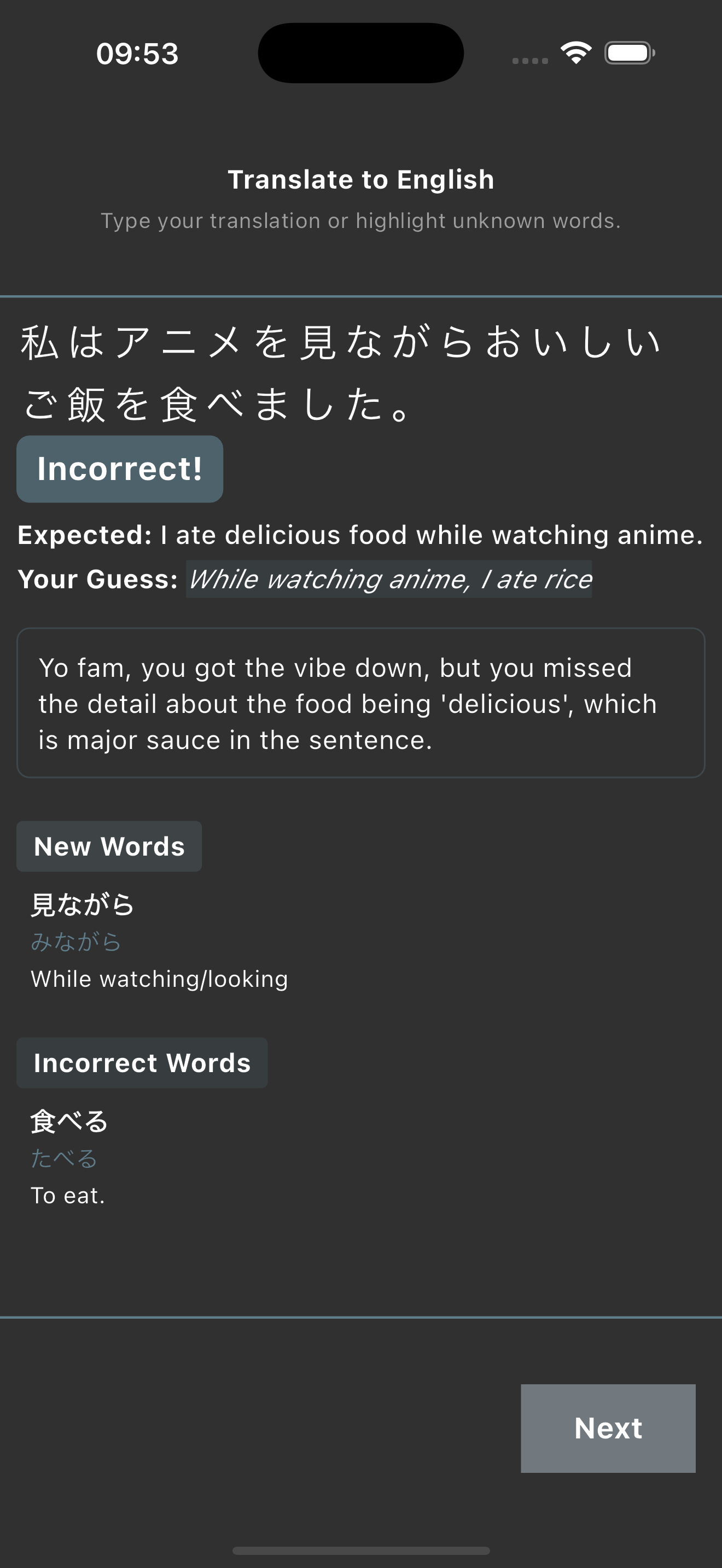
This exercise is a simple translation from Japanese to English. Either type the answer...
or drag your finger over words you are unfamiliar with to mark them as incorrect.
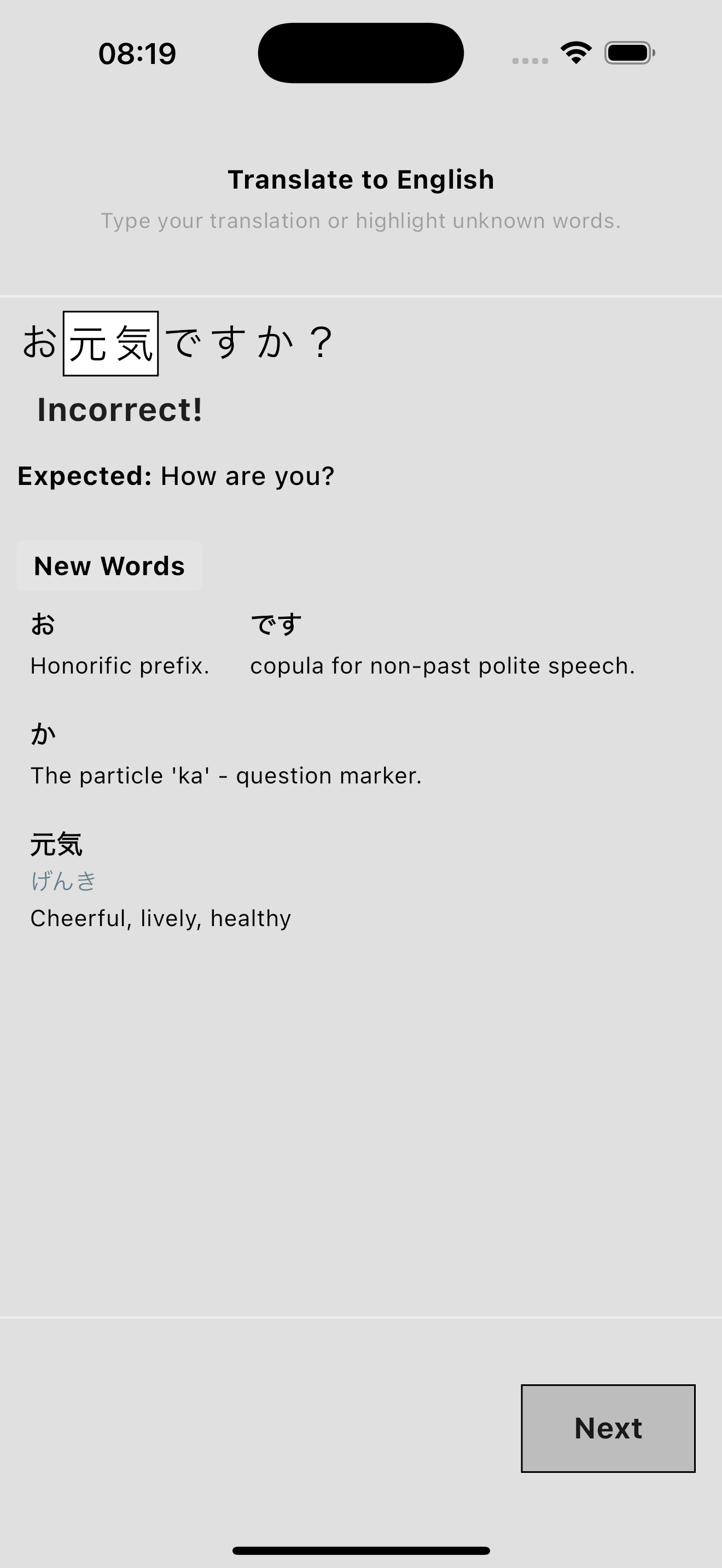
Everything that wasn't selected will be marked as correct.
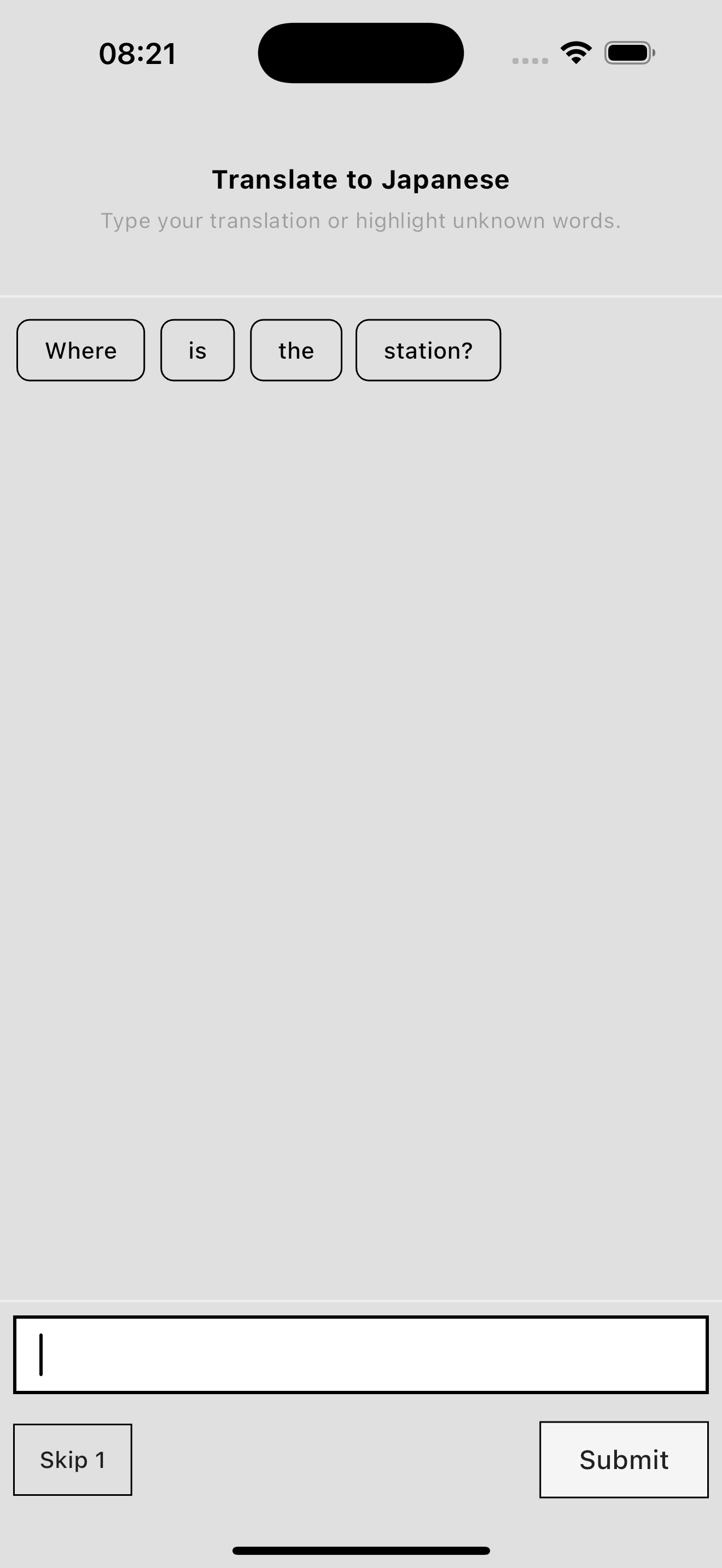
This exercise asks you to translate the sentence from Japanese into English.
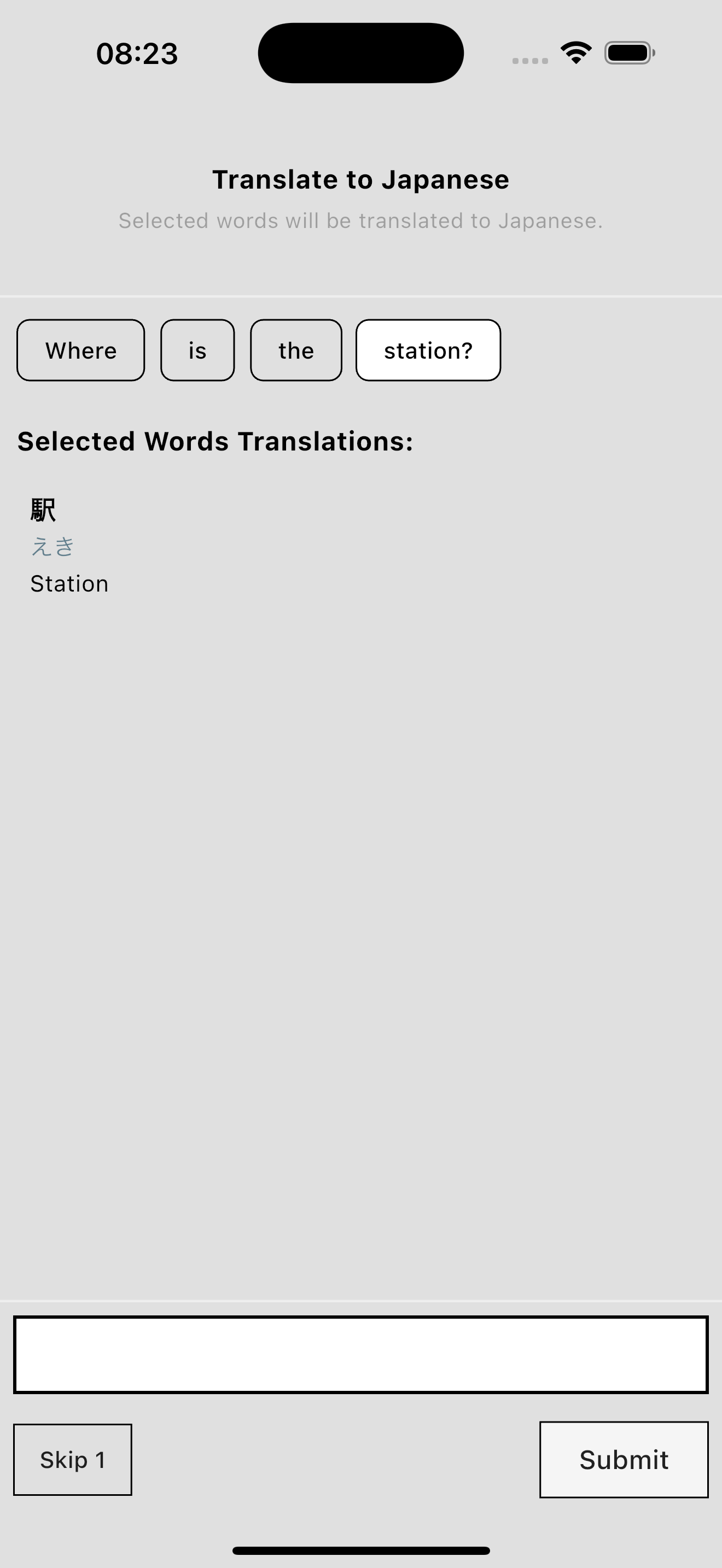
Selecting words will translate just those words into Japanese for reference.
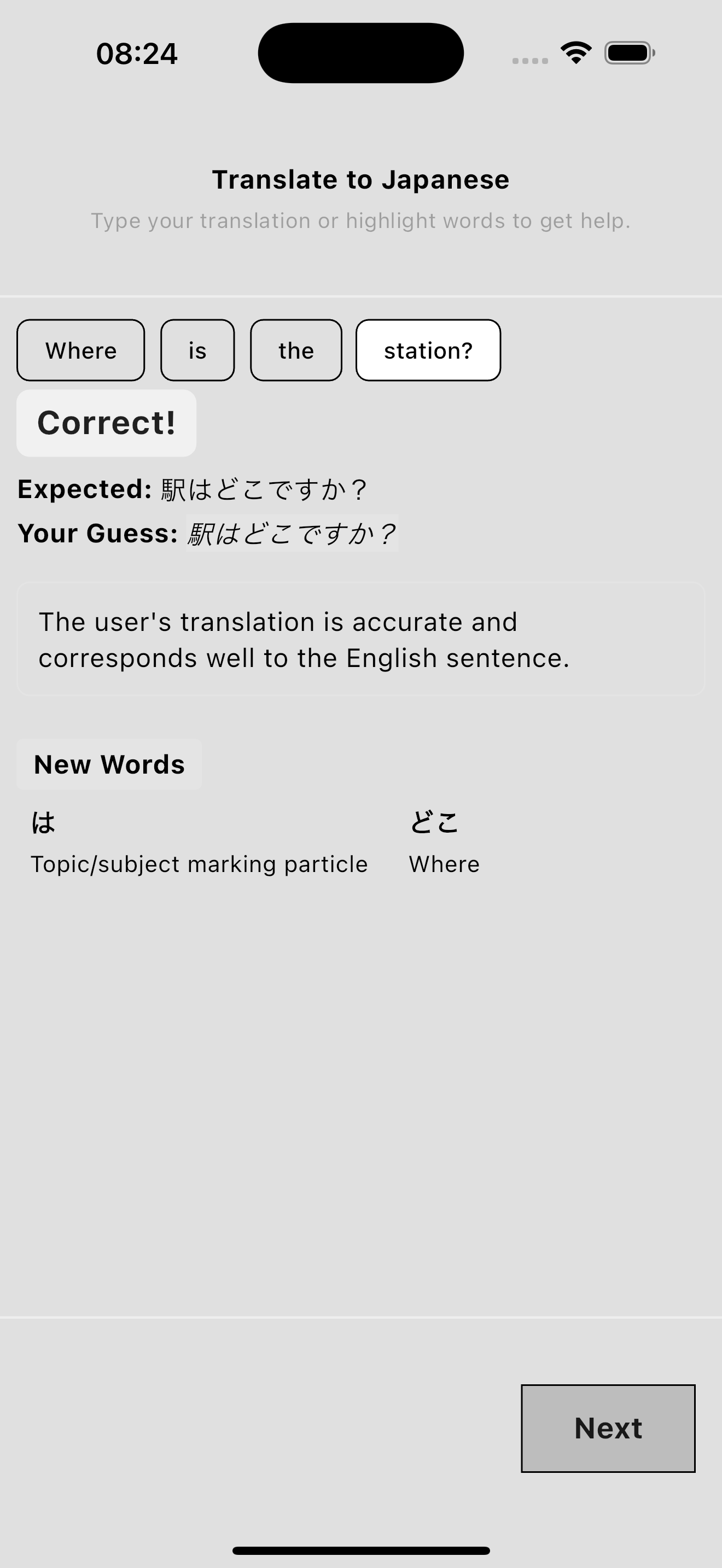
You're still expected to provide a complete translation for the exercise.
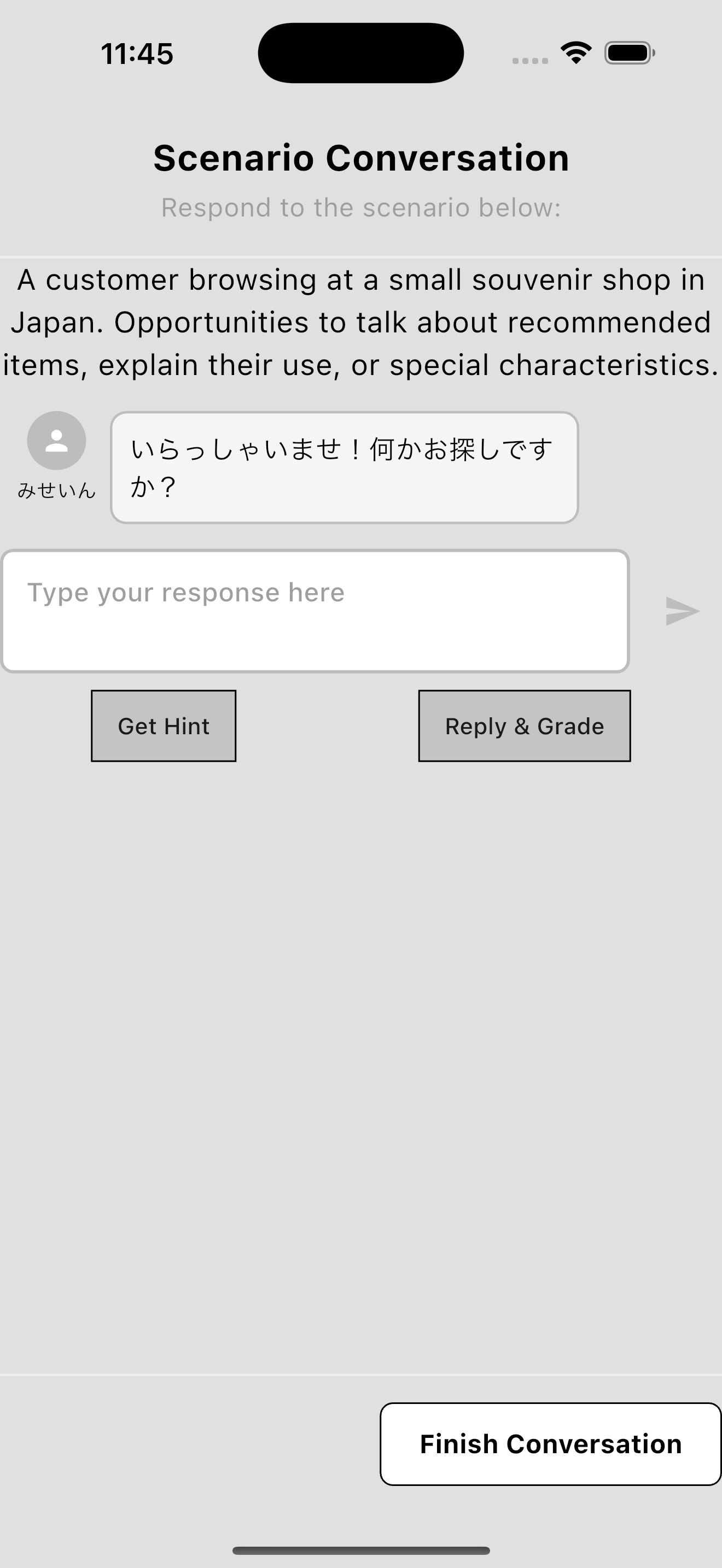
Simulated conversations put you in everyday situations—ordering food, asking directions, small-talk with coworkers.
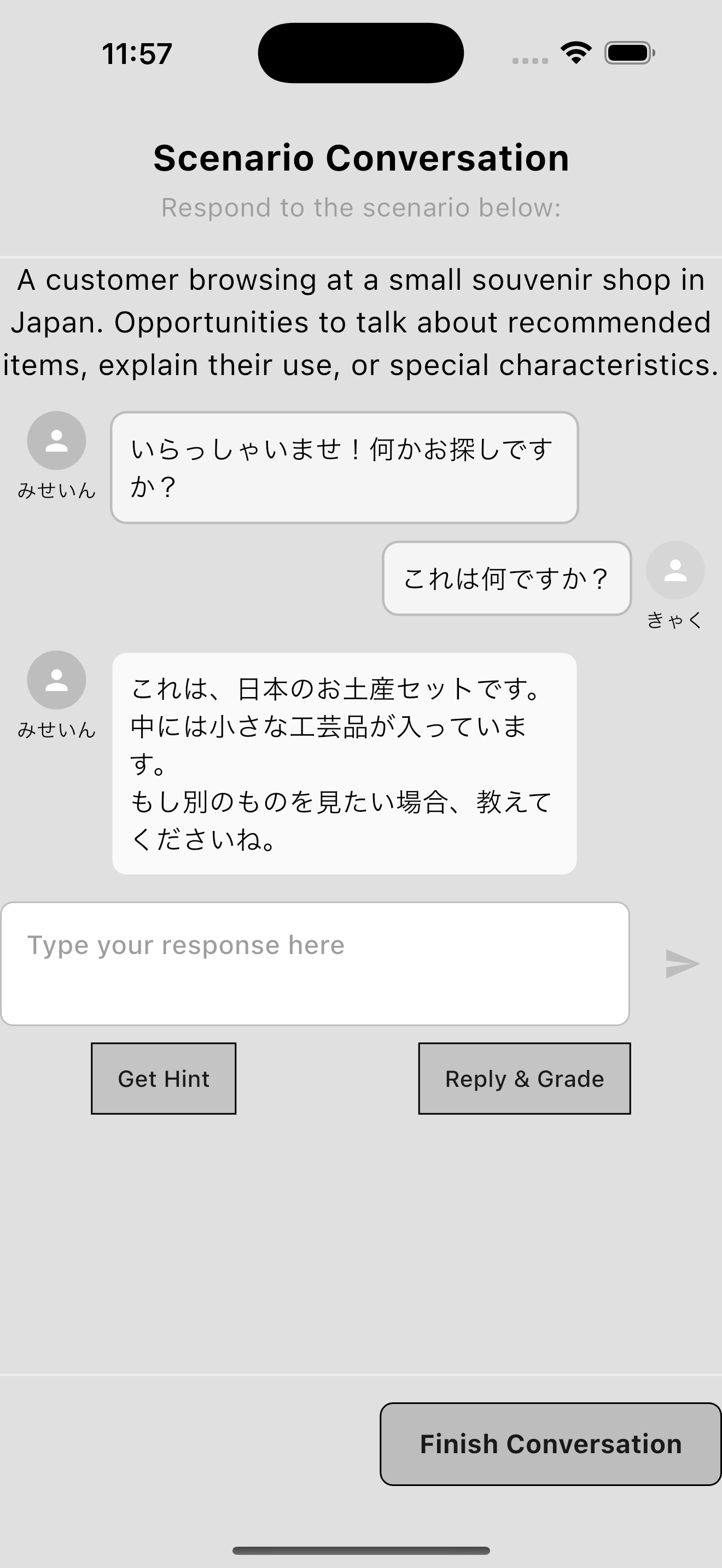
There isn't a script per se. You can respond naturally to conversation prompts, just as you would in real-life situations.
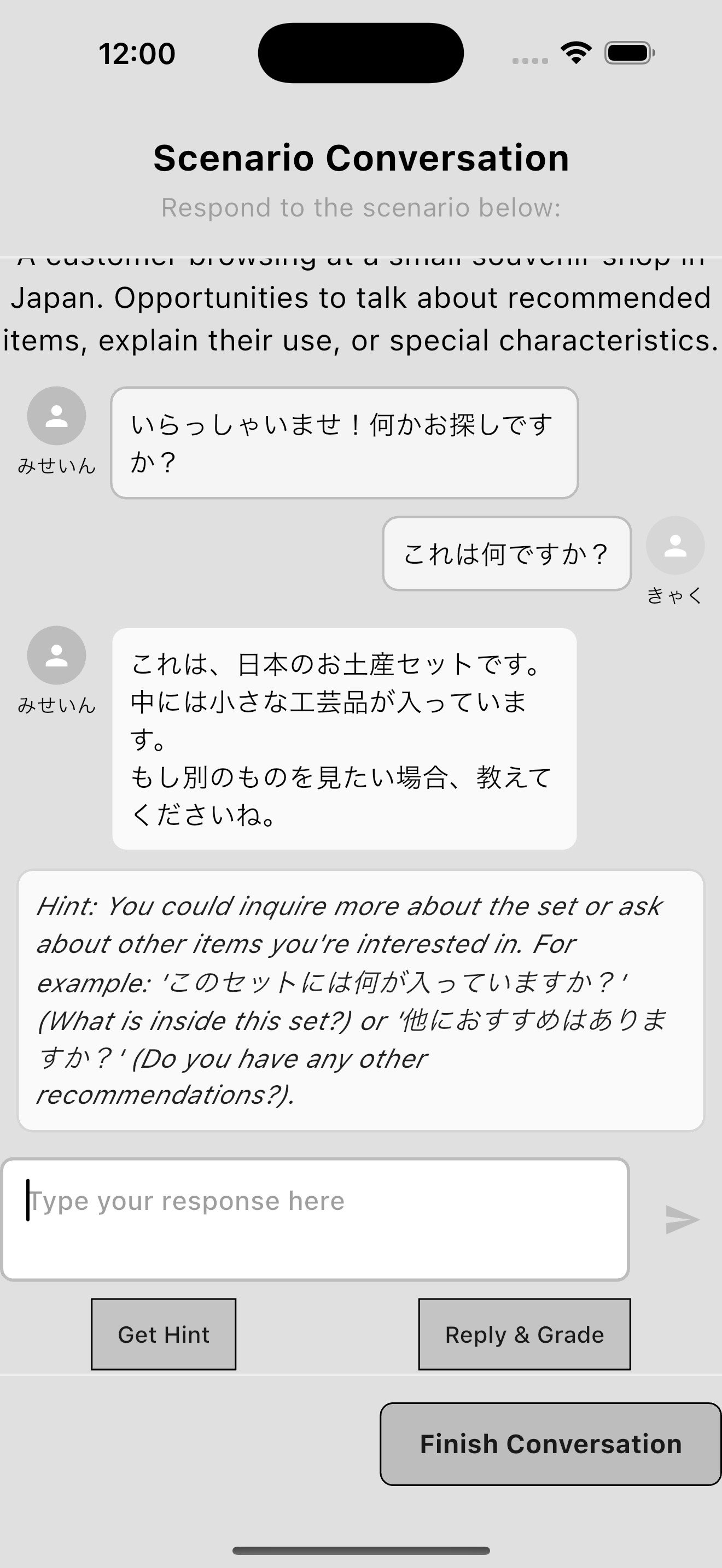
If you're stuck, the app provides helpful hints without penalizing your progress.
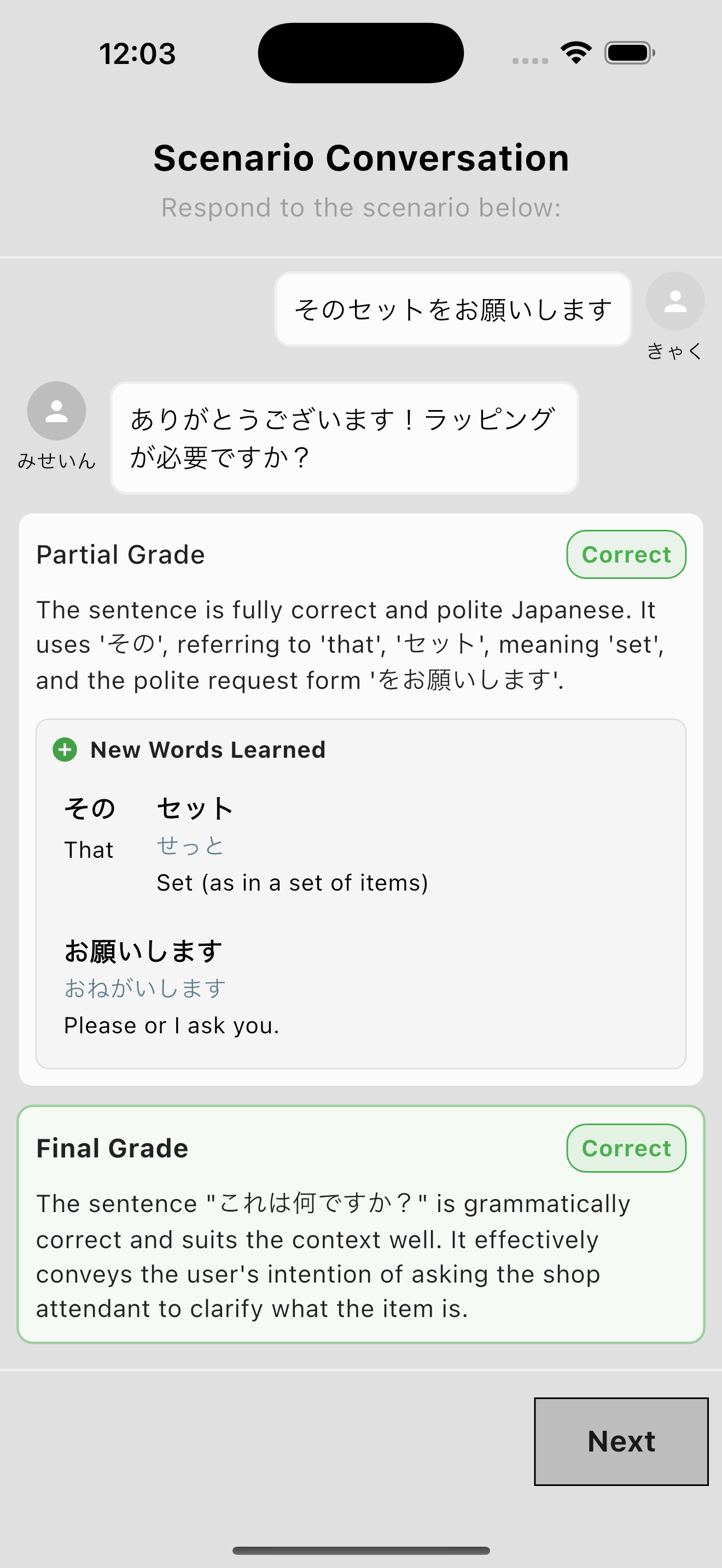
Only the language you produce gets graded, so you're never punished for vocabulary you haven't studied yet.
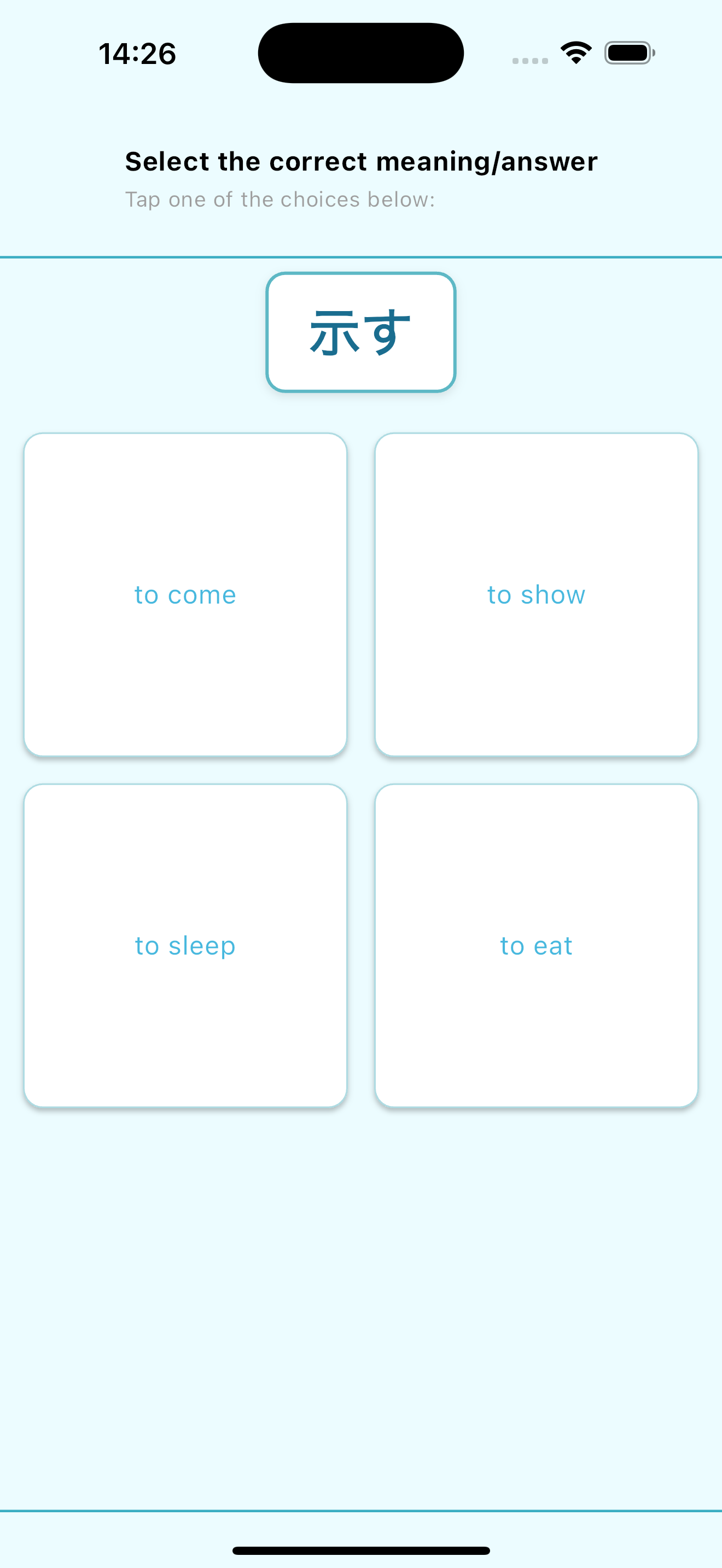
Multiple choice exercises present you with four options where you have to select the correct translation.
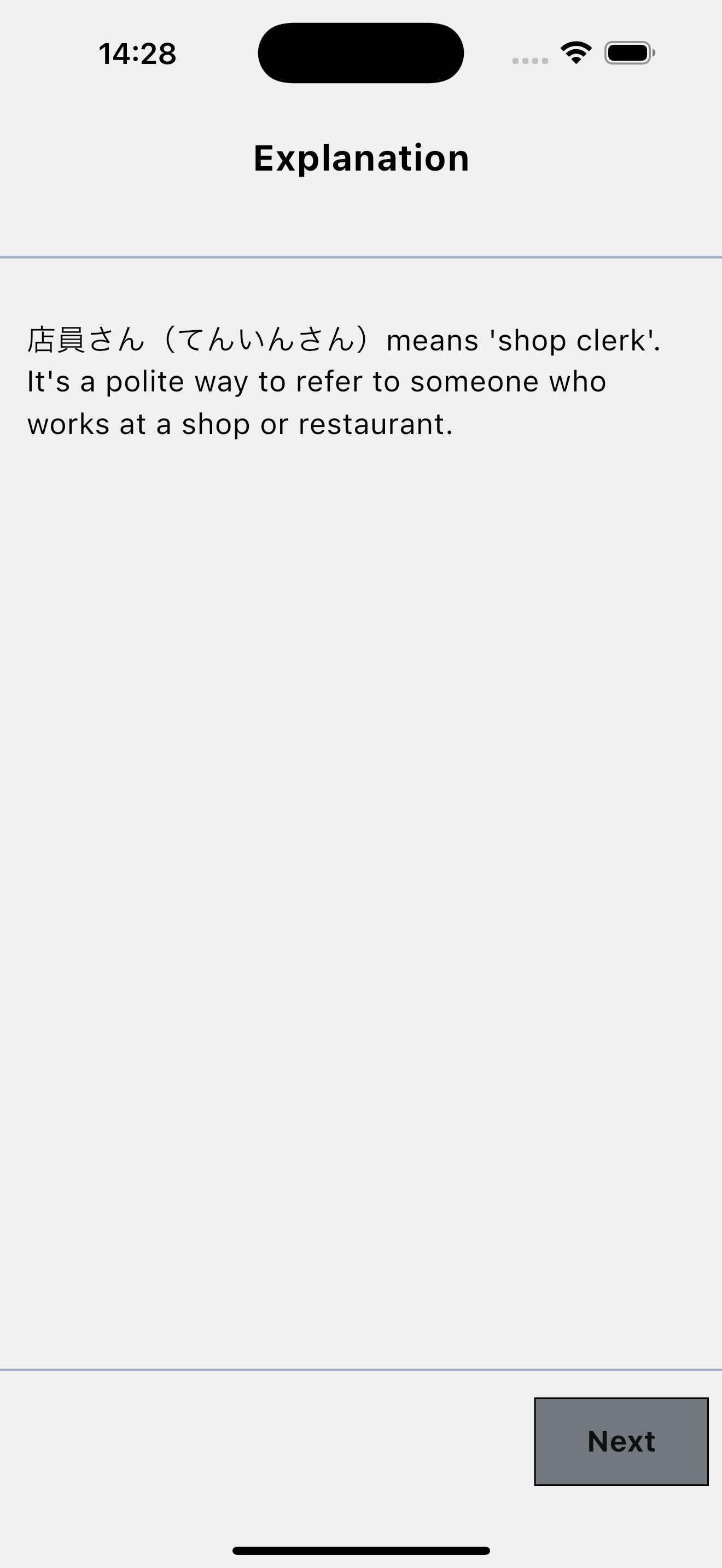
"Explain and Translate" exercises present you with a definition for a more advanced word, then ask you to use it correctly.
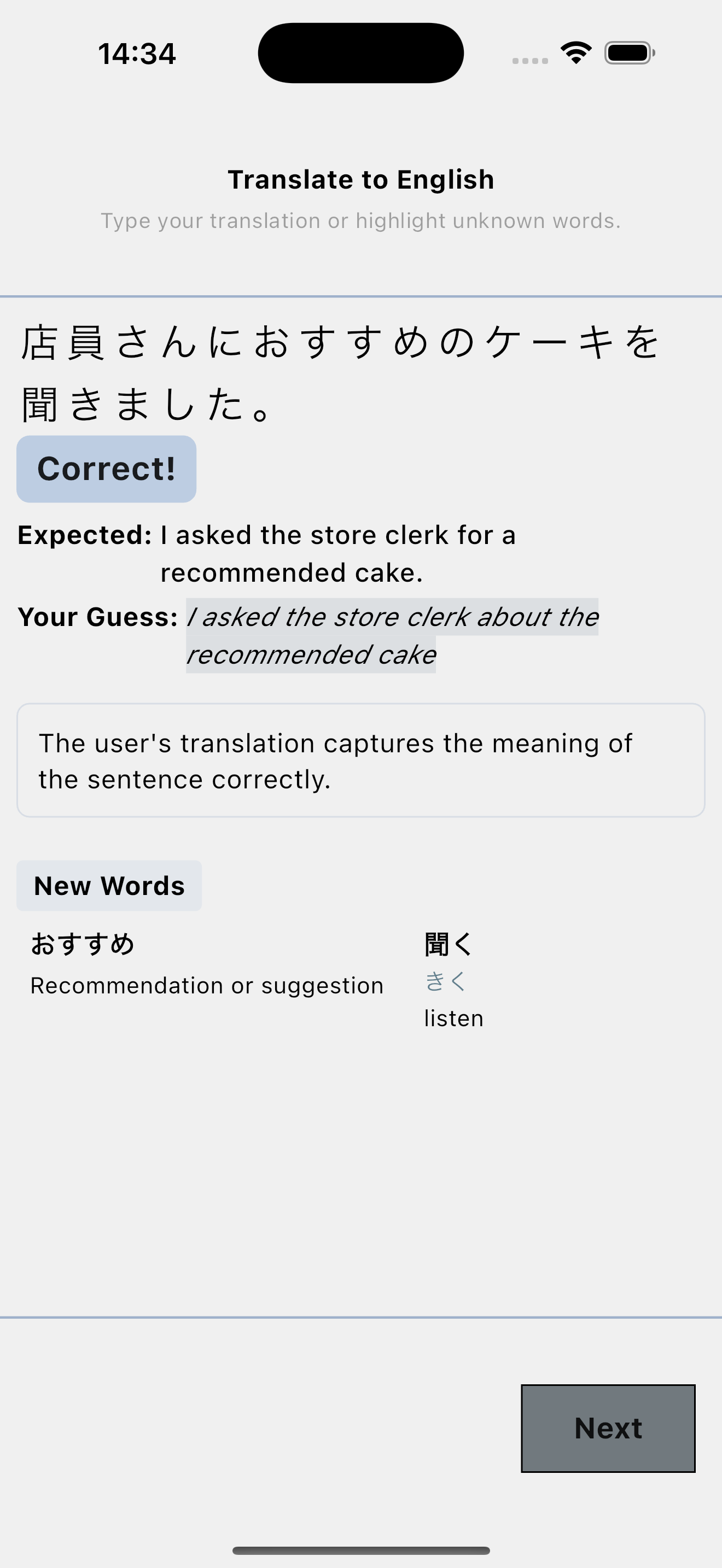
The app includes many other exercise types that adapt to your proficiency level and learning needs.
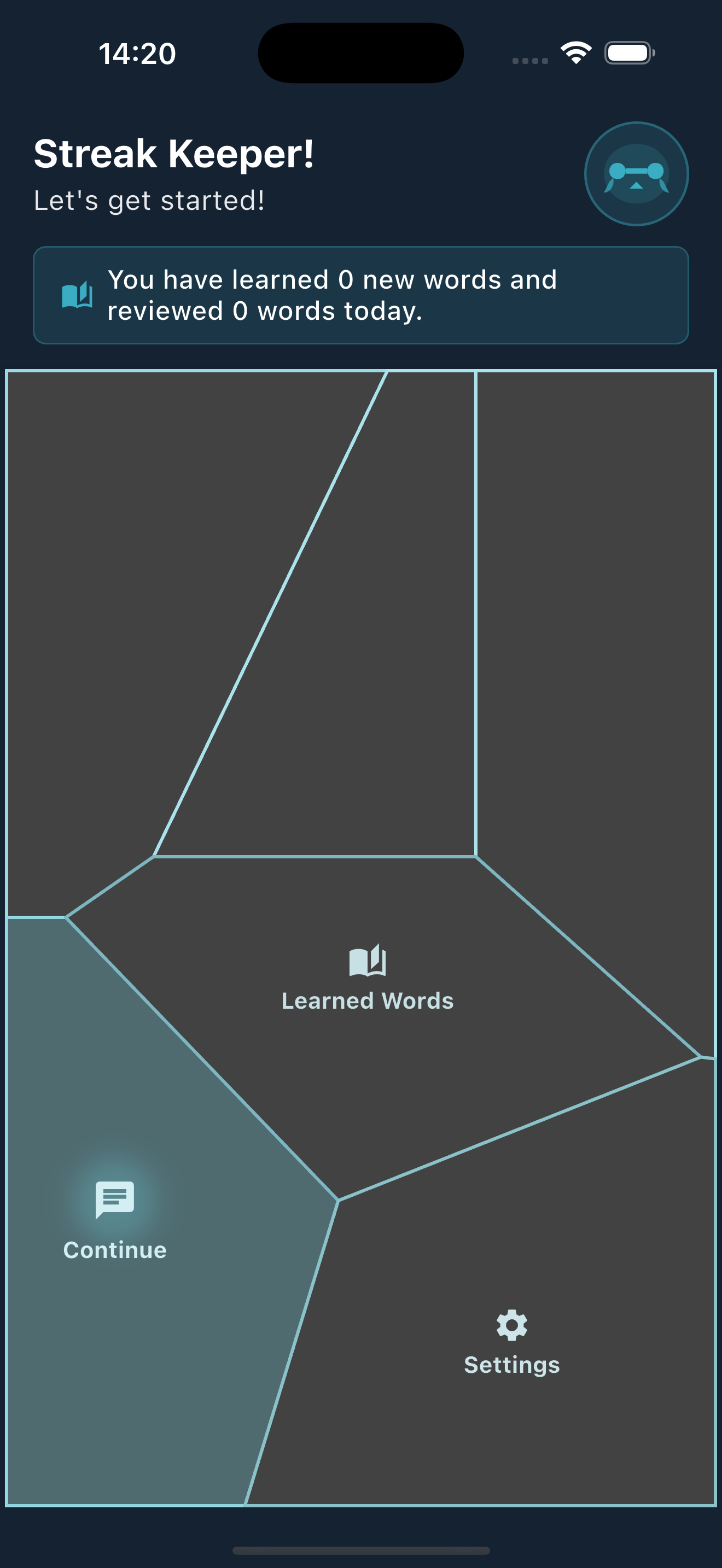
The app's theme automatically adjusts based on how many words you know, providing visual feedback on your progress.
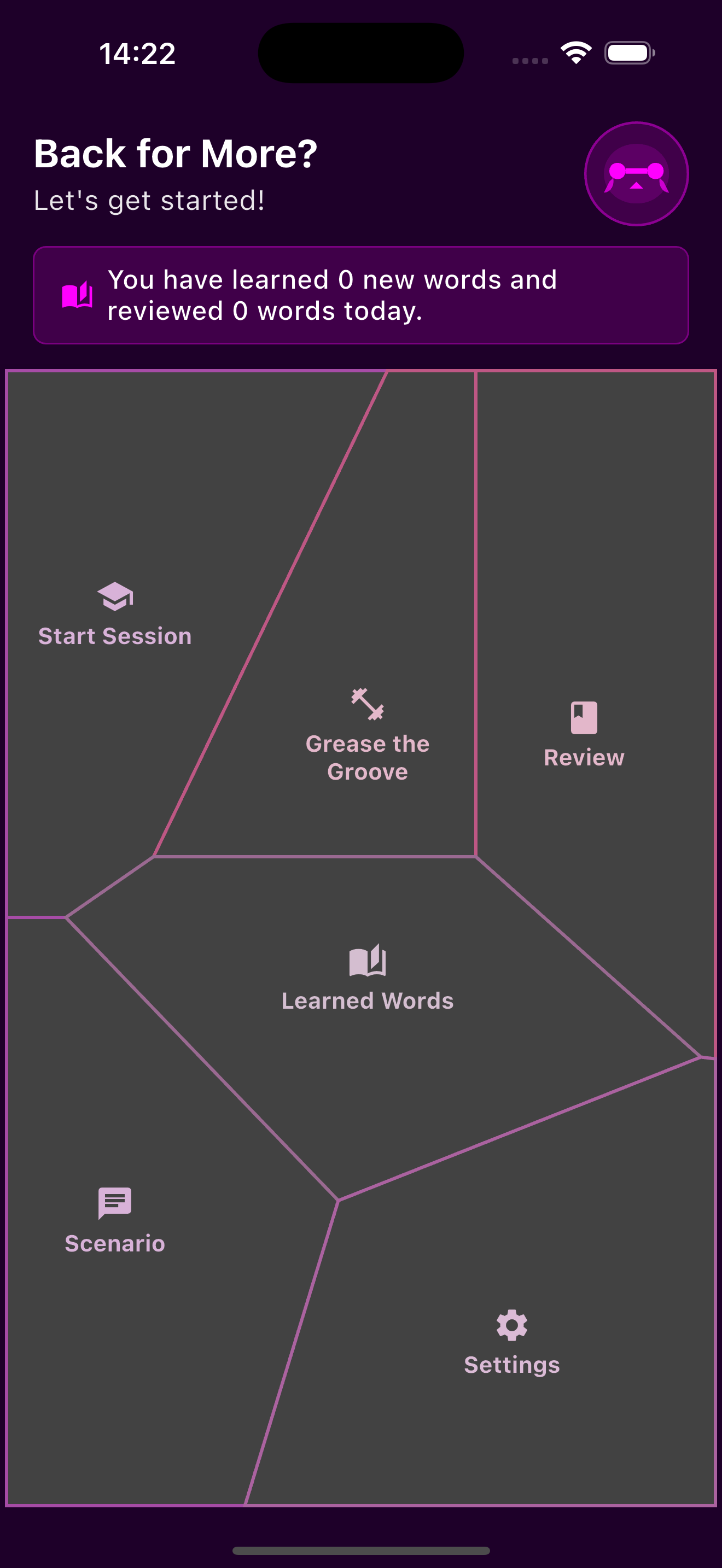
Dark mode provides a sleek, modern look while reducing eye strain during nighttime study sessions.
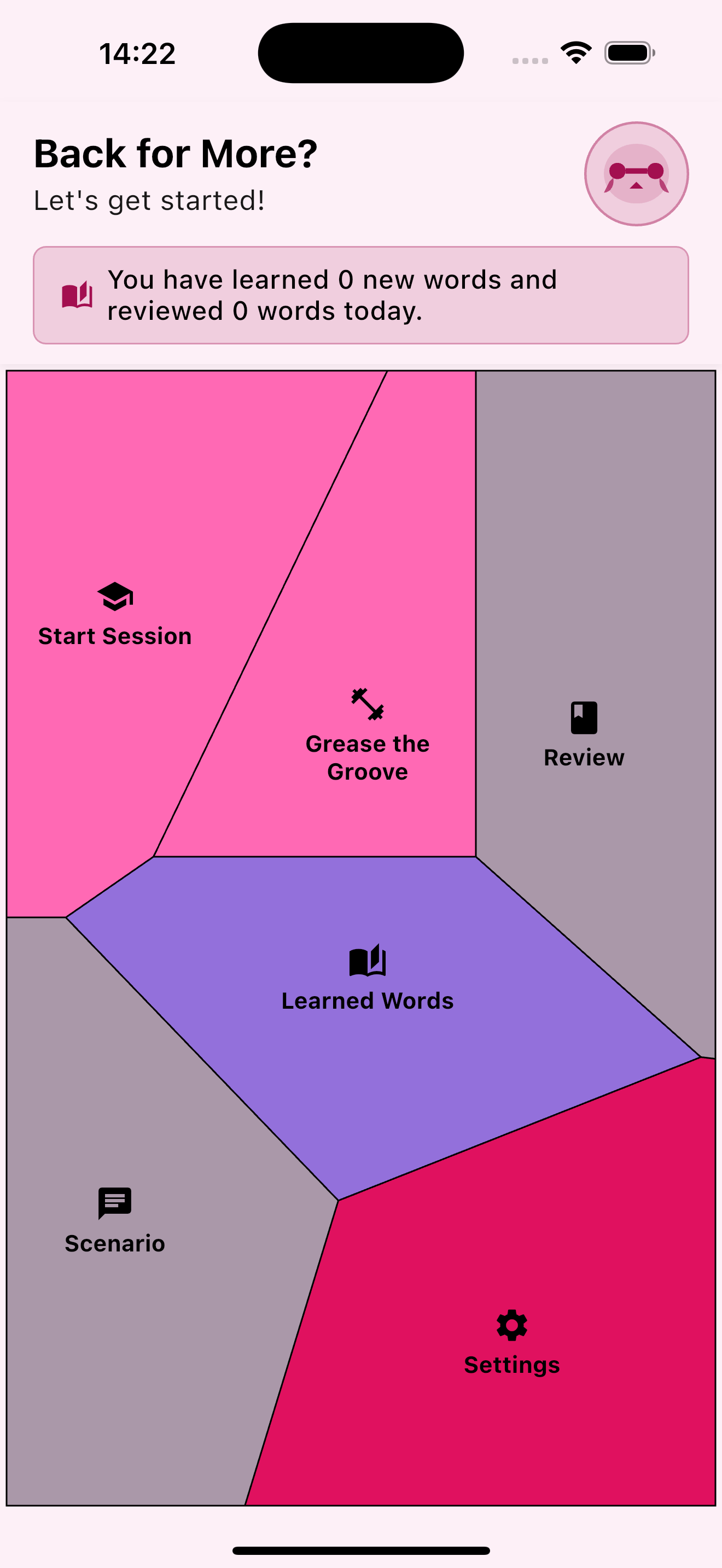
As your vocabulary grows, you'll notice subtle changes in the interface design, celebrating your achievement.
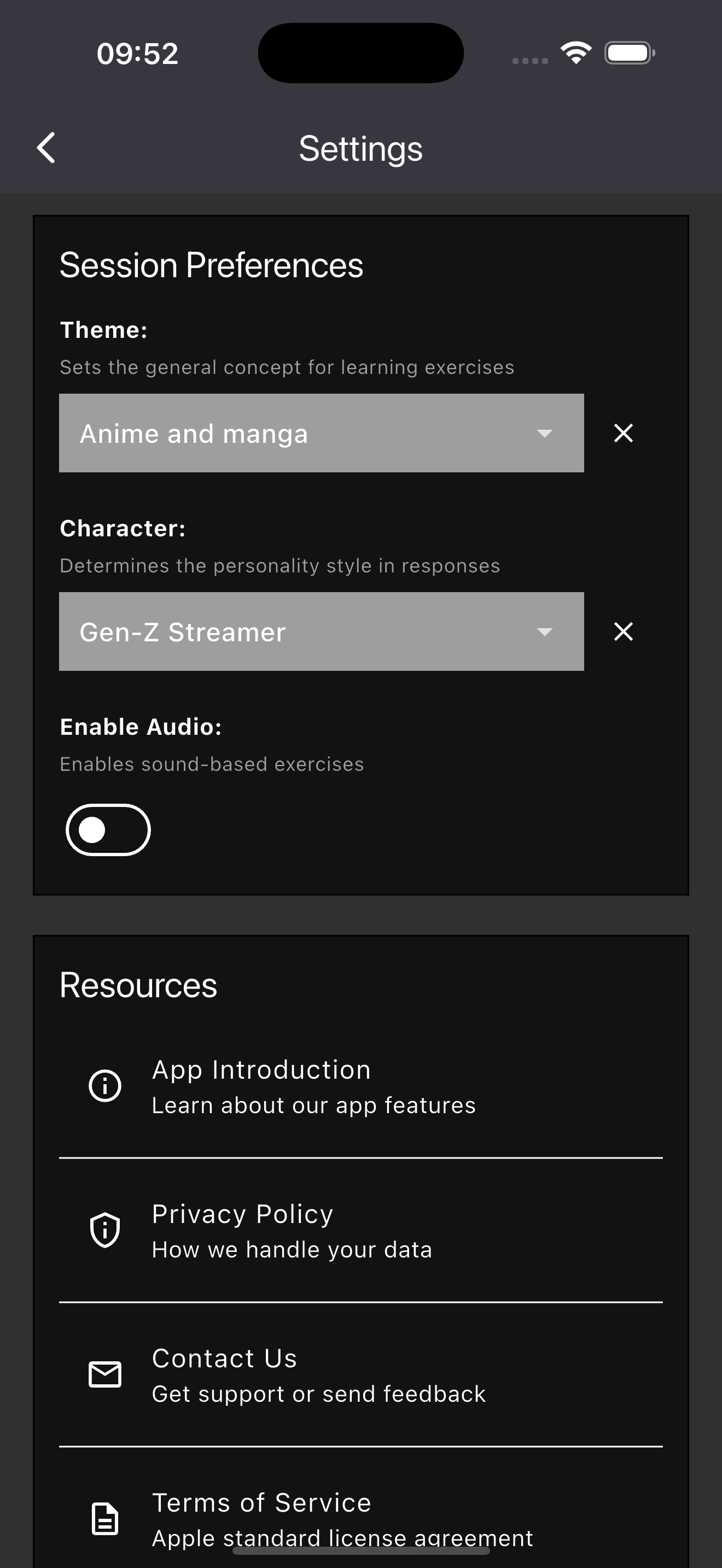
Choose from a variety of themes that set the mood for your learning session, each with its own unique visual style.
Select a character voice that will guide you through your exercises, making conversations feel more natural and engaging.
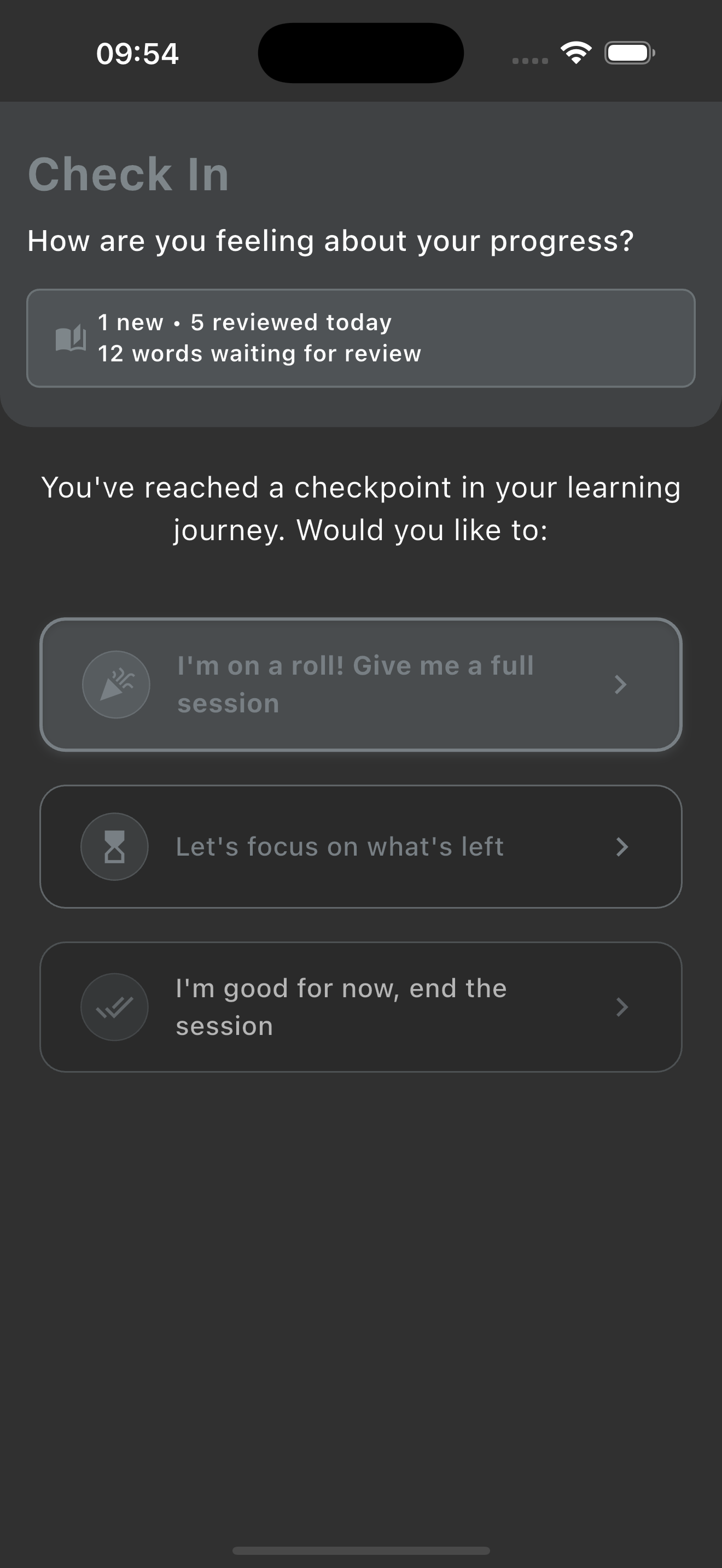
Check in with your progress, to tackle harder exercises if you're ready.
Scenario functionality is limited to a monthly subscription, but all other features on the app are free.